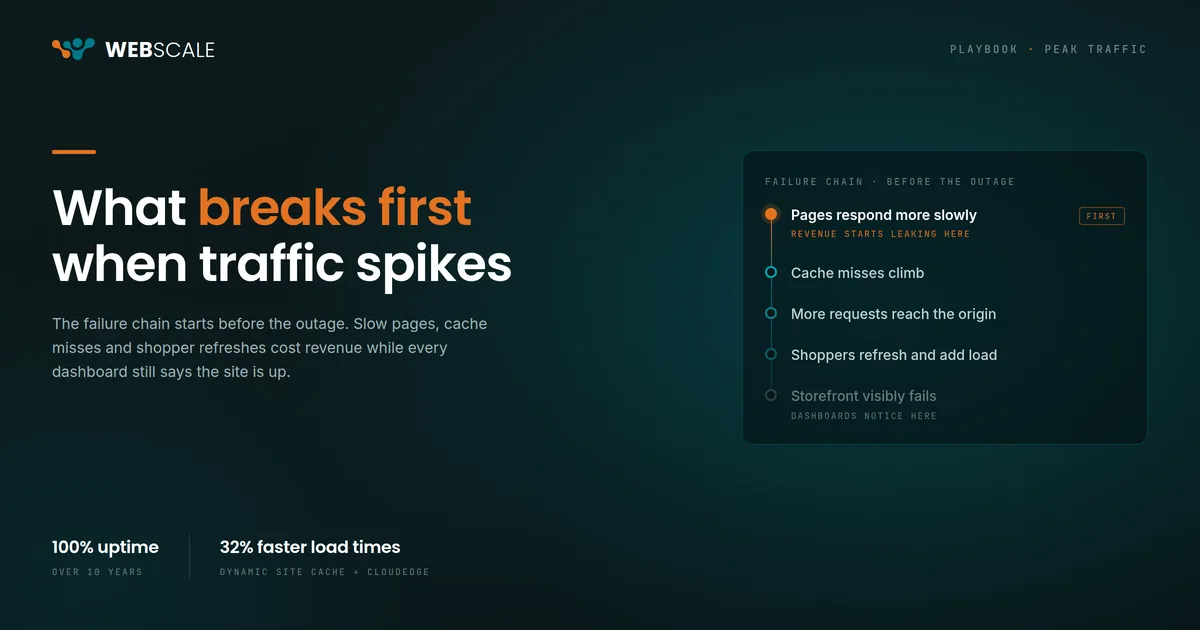
Most ecommerce failures during peak traffic don’t start with the site going down. They start with slow pages, rising cache misses, increased origin load, and checkout latency. Shoppers refresh, adding more requests at the worst moment. By the time the storefront is visibly failing, the failure chain has been building for minutes or hours. BFCM readiness should focus on catching that chain early, not just preventing the final outage.
Why does slow performance matter more than a full outage?
Most ecommerce failures during peak traffic don’t start with the site going down.
They start smaller.
Pages respond more slowly. Cache misses climb. More requests reach the origin. Checkout takes longer. Shoppers refresh. That adds even more load.
By the time the storefront is visibly failing, the problem has usually been building for a while.
That’s why BFCM readiness should focus on the failure chain, not just the final outage.
A storefront doesn’t need to disappear to start losing orders
A product page that normally responds quickly takes a few extra seconds. Search drags. Cart updates pause. Checkout still works, but it feels slow enough that shoppers notice.
That’s the dangerous part of peak performance problems.
A hard outage gets immediate attention. Slow degradation can keep costing revenue while every monitoring dashboard still says the site is available.
Your BFCM testing needs to catch that earlier.
How does cache pressure push work back to the origin?
Caching is one of the biggest differences between a storefront that absorbs a traffic spike and one that starts struggling under it.
When product and category pages are served efficiently at the edge, fewer requests need to reach the application layer. When they’re not, origin load climbs quickly.
Commerce makes this harder because the storefront is always changing. Inventory moves. Prices change. Promotions start and stop. Catalog data updates.
A cache strategy that works for static content isn’t enough if every change forces large parts of the storefront back to the origin.
Webscale Dynamic Site Cache is designed for commerce traffic, so merchants can keep more storefront requests away from the application while still serving current commerce data. That matters most when traffic is moving faster than the origin can scale.
Why can’t autoscaling keep up with sudden traffic spikes?
Autoscaling is necessary. It’s also reactive.
Traffic increases. The system recognizes the change. New capacity starts coming online. That takes time.
A sudden spike can create a queue before the extra capacity is ready.
CloudEDGE reduces that pressure by handling more traffic at the edge instead of sending every request back to the origin.
The goal is to keep unnecessary work from reaching the origin so the application has room when the traffic curve gets ugly.
How do shoppers make a slowdown worse?
Peak traffic has another unpleasant characteristic. People refresh.
A shopper clicks Add to Cart and nothing happens immediately, so they click again. Checkout pauses, so they reload the page. A product page feels stuck, so they open another tab.
Every one of those actions creates more requests during the exact moment the system is already under pressure.
A small slowdown can become a larger one because shopper behavior adds load to the failure.
This is why response time matters before you reach the point of an outage. The system needs to stay responsive enough that shoppers don’t start fighting it.
What happens when product discovery breaks under load?
Search, filters, and AI-powered product recommendations are more resource-intensive than serving a static category page. When the origin is under pressure, these features degrade first.
That matters because product discovery is where buying decisions happen. A shopper who can’t find what they came for doesn’t wait. They leave.
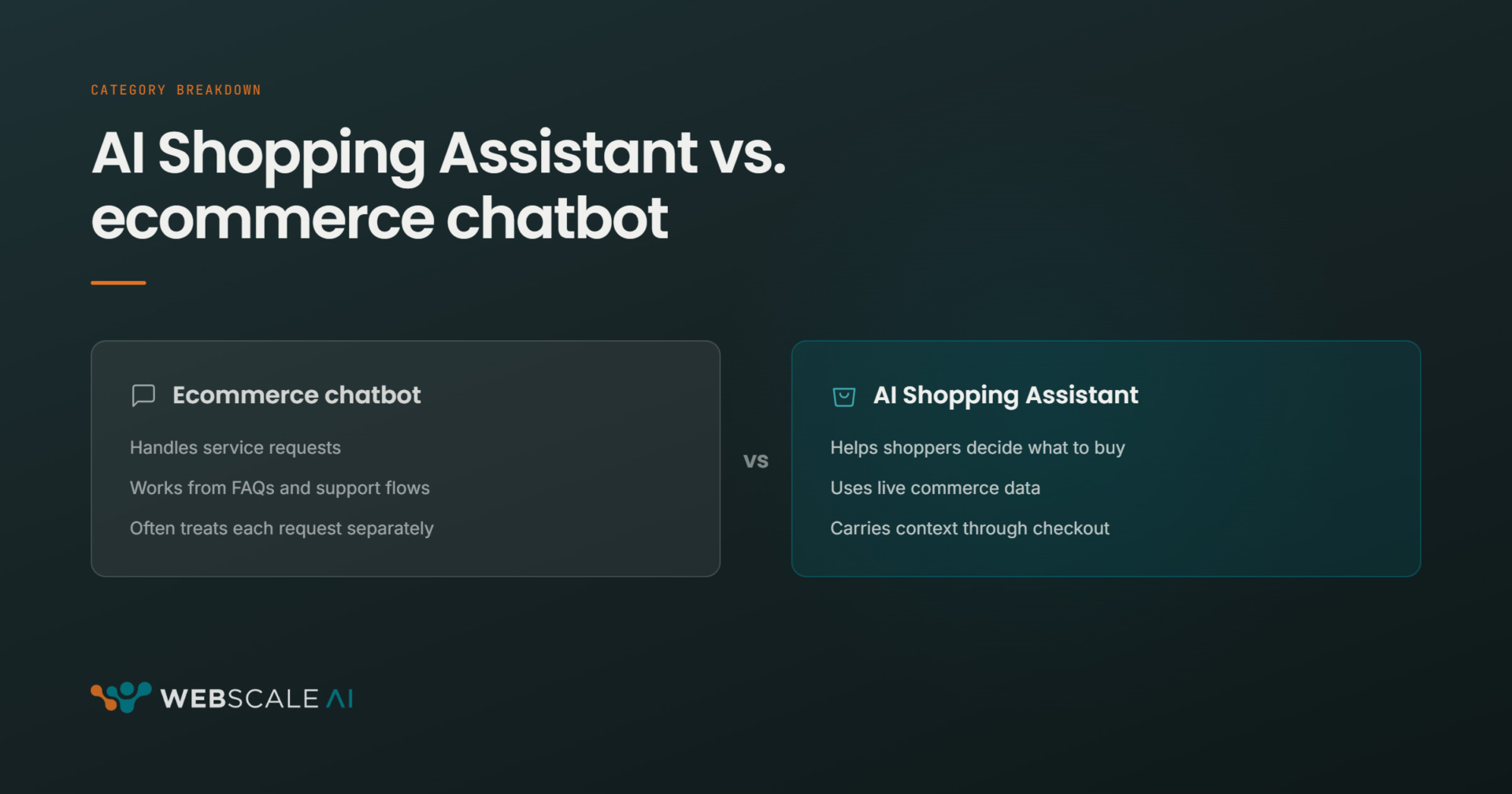
Merchants running tools like the Webscale AI Shopping Assistant should test discovery performance specifically under peak load. An AI-driven assistant that responds in under a second at normal traffic but stalls at 3x volume isn’t ready for BFCM.
Can third-party scripts become part of the incident?
Not every BFCM performance problem starts inside your commerce platform.
Storefronts depend on external services for analytics, advertising, payments, reviews, chat, testing, and other functions. Those dependencies are useful until one of them slows down. Then the storefront is waiting on infrastructure your team doesn’t control.
Before BFCM, audit what runs on the critical shopping path. Know what’s essential. Know what can be disabled. And know who has permission to make that decision during a live incident.
Web Controls lets merchants manage what runs on the storefront without waiting for a full code deployment. That gives teams another way to reduce pressure when a third-party service becomes the problem.
How should you test for peak traffic?
A load test shouldn’t simply prove that your traffic forecast was correct. Push past it.
If you expect 2x normal traffic, find out what happens at 3x. Then keep going until something starts degrading. You want to know that point now.
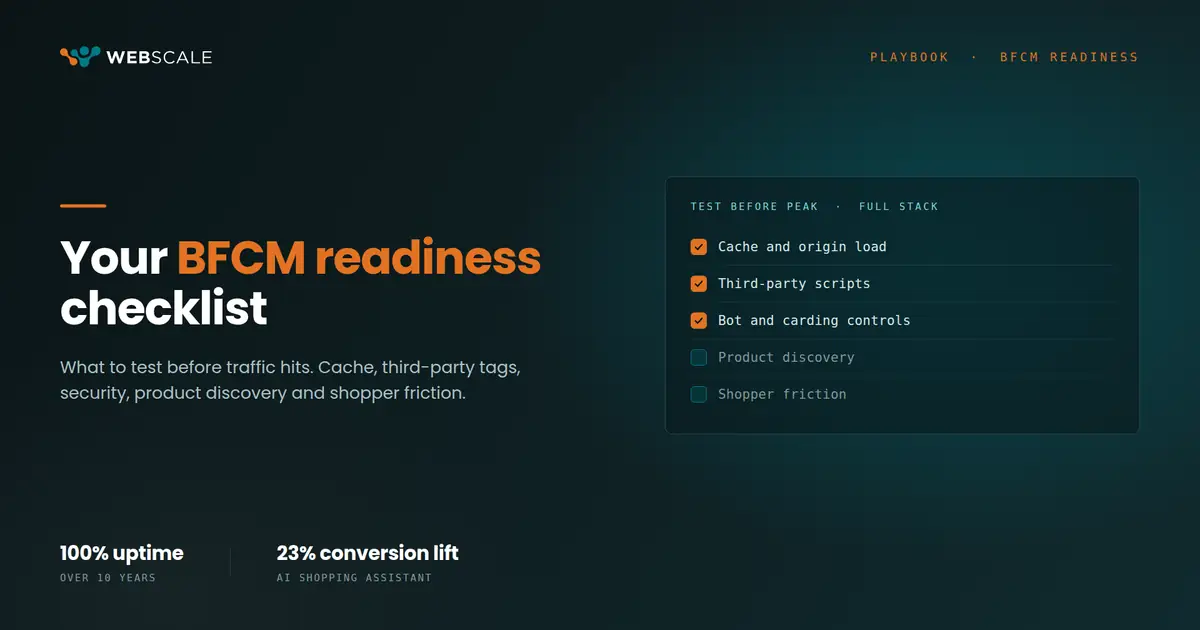
Watch response times, origin load, cache behavior, checkout performance, AI-driven search and product recommendations, and external dependencies together.
Don’t stop at “the site stayed up.” Ask:
- What slowed first?
- What caused the slowdown?
- What happened next?
- How quickly did the team see it?
- What could you disable or reroute?
- How long did recovery take?
- Did product discovery degrade before the pages did?
Those answers are more useful than a green test result.
Build around the first failure
Webscale has maintained 100% uptime across supported commerce storefronts for more than a decade.
That kind of reliability comes from treating peak traffic as an architecture problem, not a last-minute capacity problem.
Dynamic Site Cache and CloudEDGE have also helped merchants achieve 32% faster load times.
But the important lesson for BFCM is simpler.
Don’t prepare only for the moment the site goes down. Prepare for the first sign that the stack is under pressure.
Find the first failure now. Because during BFCM, every problem after that one gets more expensive.
Want to go deeper before peak? Join our Sept 29 BFCM webinar.
Frequently asked questions
What’s the most common cause of ecommerce site failures during BFCM?
Slow degradation, not a hard outage. Pages respond more slowly, cache misses push more requests to the origin, and shoppers start refreshing, which adds more load at the worst time. The failure chain builds before monitoring catches it.
How does caching help during peak ecommerce traffic?
Edge caching keeps storefront requests from reaching the application server. Commerce-aware caching like Webscale Dynamic Site Cache handles the challenge of constantly changing inventory, pricing, and promotions so merchants can serve current data without overloading the origin.
Why doesn’t autoscaling prevent ecommerce outages?
Autoscaling is reactive. Traffic increases, the system detects the change, and new capacity starts coming online. That lag means a sudden spike can create a request queue before capacity catches up. Edge-first architecture like CloudEDGE reduces origin pressure during that gap.
How do third-party scripts affect BFCM performance?
External services for analytics, ads, payments, reviews, and chat can slow down the storefront if any one of them stalls. Audit what runs on the critical shopping path before peak. Webscale Web Controls lets merchants disable or manage third-party scripts without a full code deployment.
What should a BFCM load test measure beyond uptime?
Response times, origin load, cache hit rates, checkout latency, product discovery and AI-driven search performance, and third-party dependency response times. Test past your traffic forecast and find the degradation point. Knowing what slows first is more valuable than confirming the site stayed up.